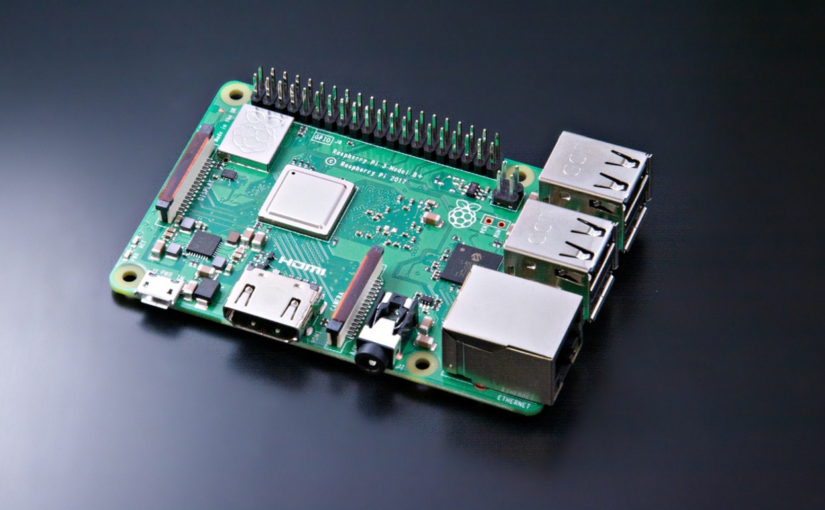
目标:建立80端口双站点(wordpress站点和内网站点) 坑点:raspberry pi
配置环境
硬件:Raspberry pi B2
系统:Debian Linux version 4.9.35-v7+
apache2版本: Apache/2.4.38 (Raspbian)
网络环境:内网LAN
配置文件
apache2路径:/etc/apache2/sites-enabled/000-default.conf
<VirtualHost caikeng.net.cn>
     DocumentRoot /var/www/html
     ServerAdmin webmaster@localhost3
     ServerName caikeng.net.cn
     <Directory />
                Options FollowSymLinks
                AllowOverride None
     </Directory>
     <Directory /var/www/html>
                Options Indexes FollowSymLinks MultiViews
                AllowOverride None
                Order allow,deny
                allow from all
     </Directory>
     ErrorLog ${APACHE_LOG_DIR}/error3.log
        # Possible values include: debug, info, notice, warn, error, crit,
        # alert, emerg.
     LogLevel warn
     CustomLog ${APACHE_LOG_DIR}/access3.log combined
</VirtualHost>
<VirtualHost *:80>
        ServerAdmin webmaster@localhost
        DocumentRoot /var/www
        <Directory />
                Options FollowSymLinks
                AllowOverride None
        </Directory>
        <Directory /var/www/>
                Options Indexes FollowSymLinks MultiViews
                AllowOverride None
                Order allow,deny
                allow from all
        </Directory>
        ScriptAlias /cgi-bin/ /usr/lib/cgi-bin/
        <Directory "/usr/lib/cgi-bin">
                AllowOverride None
                Options +ExecCGI -MultiViews +SymLinksIfOwnerMatch
                Order allow,deny
                Allow from all
        </Directory>
        ErrorLog ${APACHE_LOG_DIR}/error.log
        # Possible values include: debug, info, notice, warn, error, crit,
        # alert, emerg.
        LogLevel warn
        CustomLog ${APACHE_LOG_DIR}/access.log combined
</VirtualHost>
/etc/hosts增加站点配置
127.0.0.1 caikeng.net.cn
apache2重启
service apache2 restart
测试站点
站点 访问地址 配置站点路径
wordpress站点1:  http://caikeng.net.cn           /var/www/html

自用站点2:     http://ip地址;http://test.net.cn     /var/www